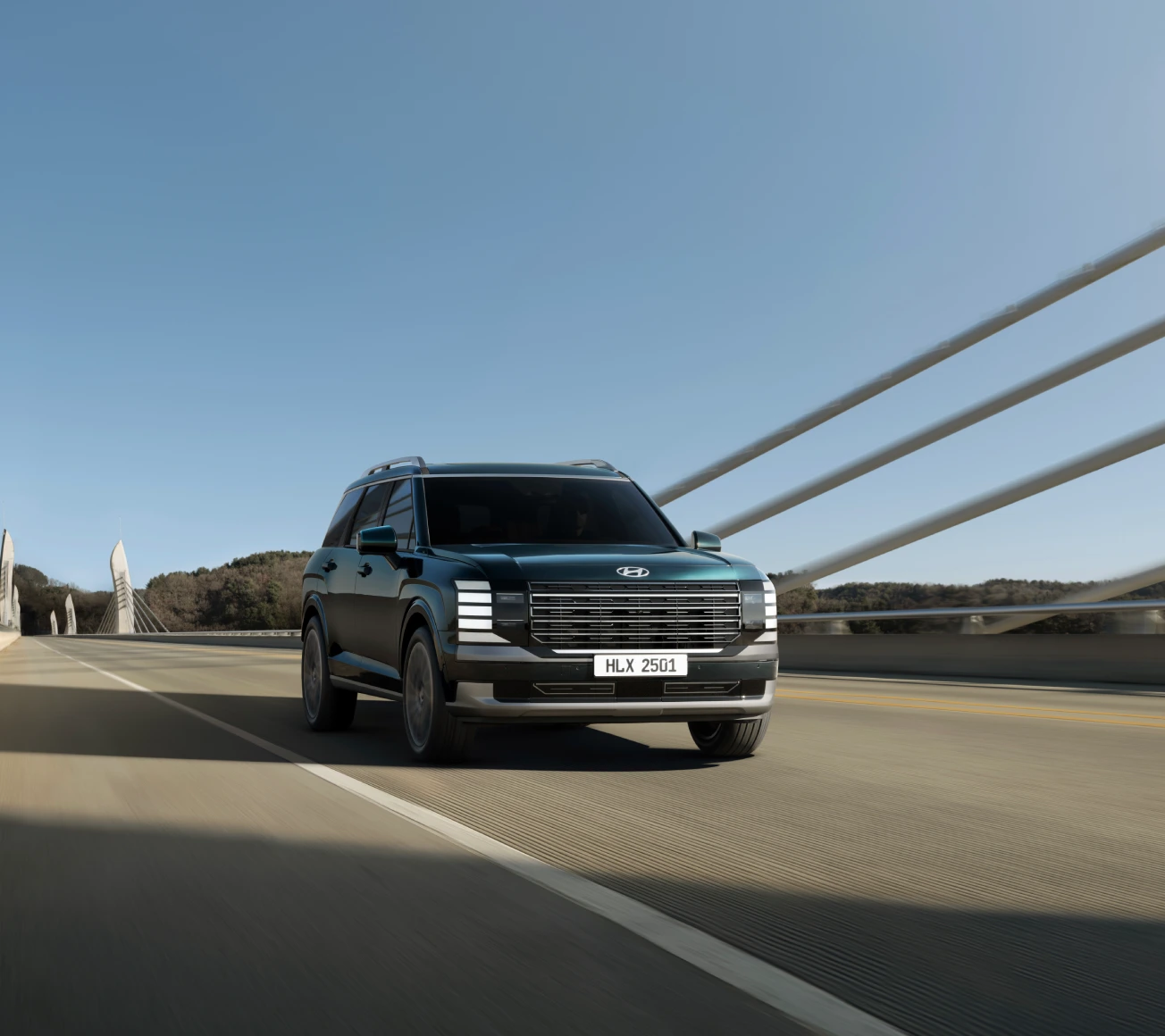
The New PALISADE Bluelink Model
Some services may not be available depending on the vehicle type, vehicle model, or smartphone model.

.webp?w=1920&q=80&ext=webp)

.webp?w=1920&q=80&ext=webp)
.webp?w=1920&q=80&ext=webp)
.webp?w=1920&q=80&ext=webp)
.webp?w=1920&q=80&ext=webp)
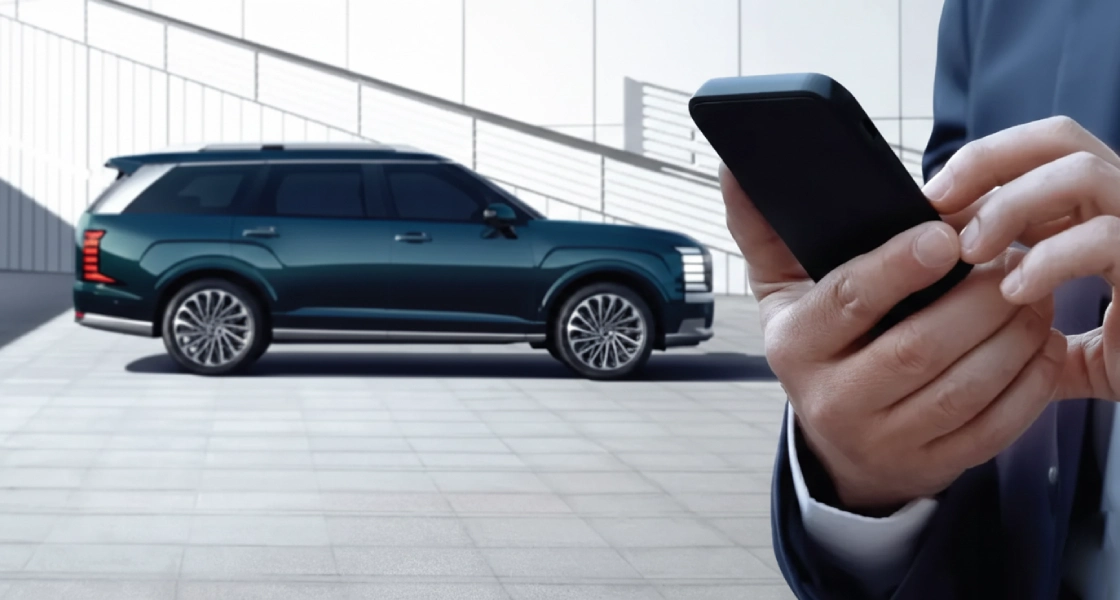
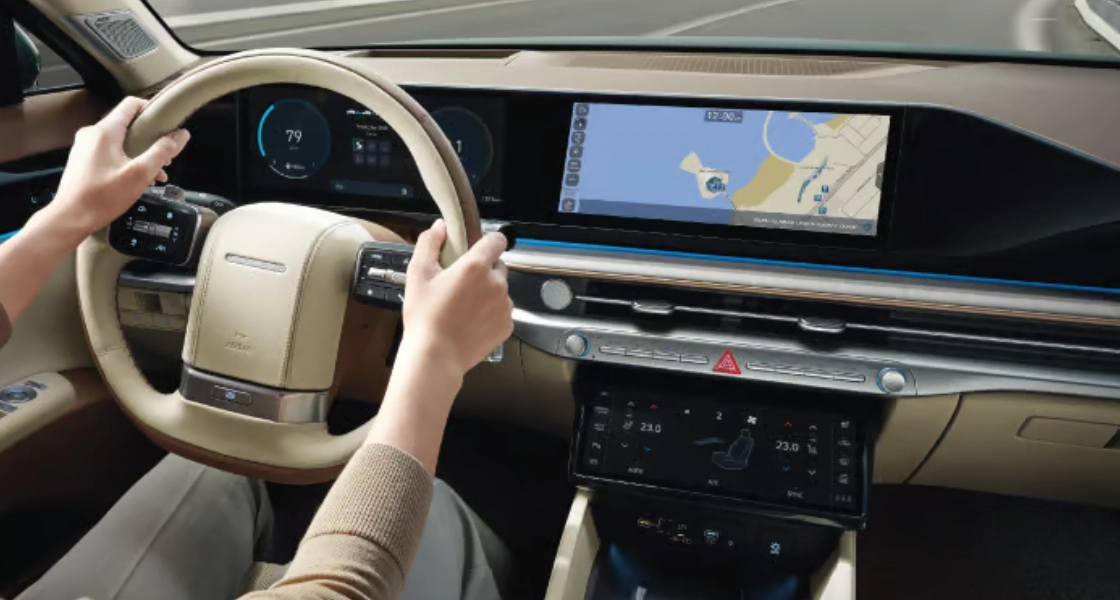
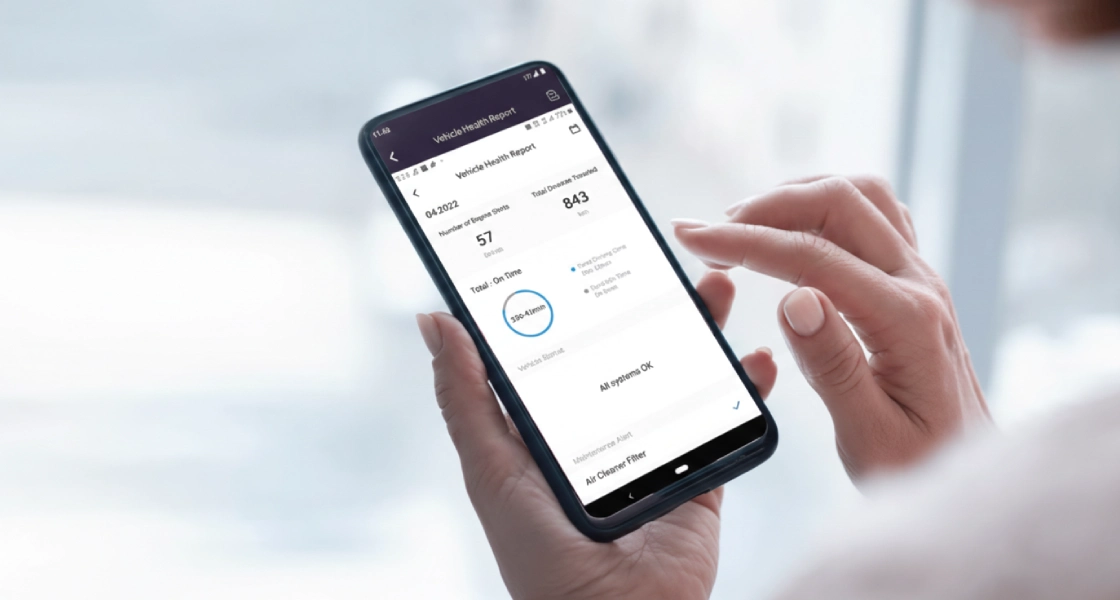
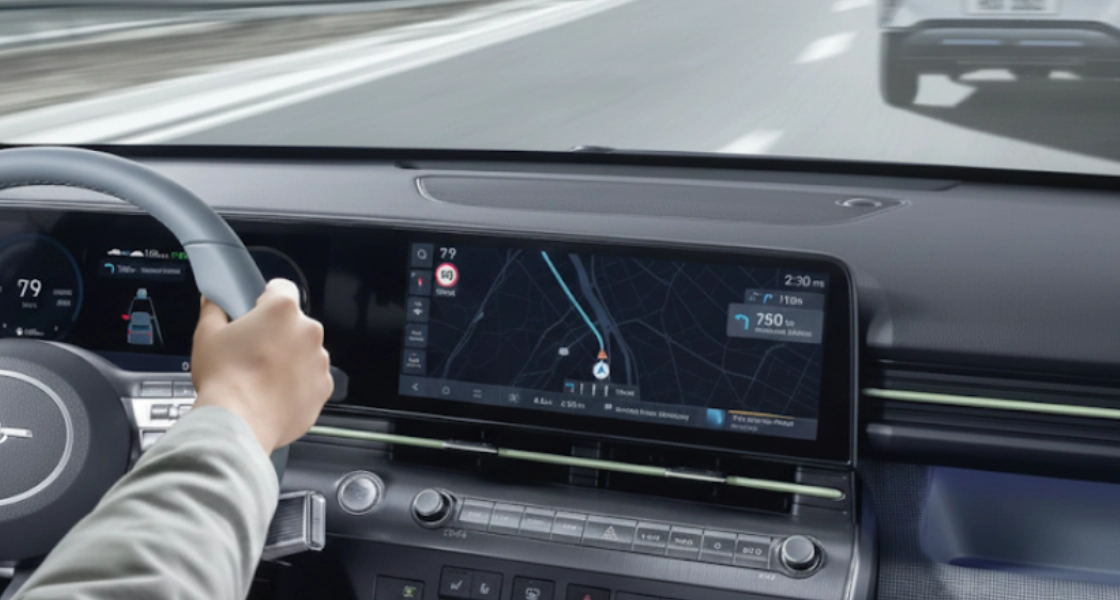
Some services may not be available depending on the vehicle type, vehicle model, or smartphone model.
.png?w=1920&q=80&ext=webp)
.png?w=1920&q=80&ext=webp)
Scan the QR code or click on the download button

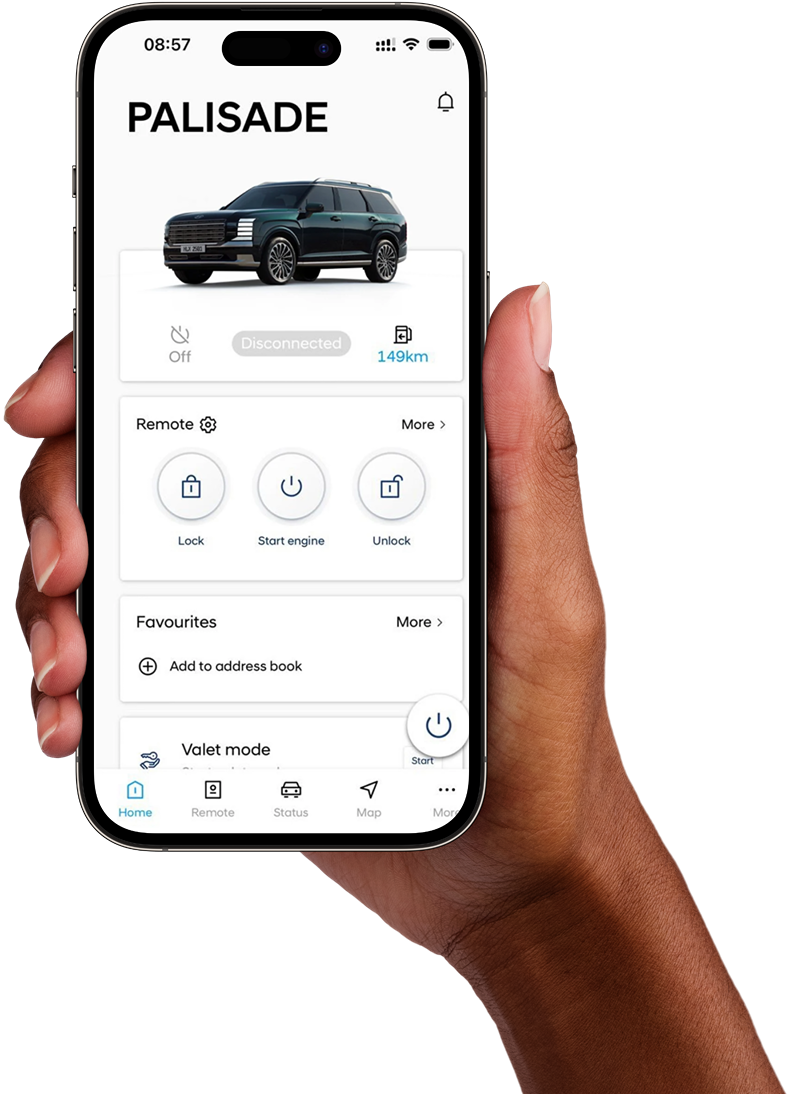
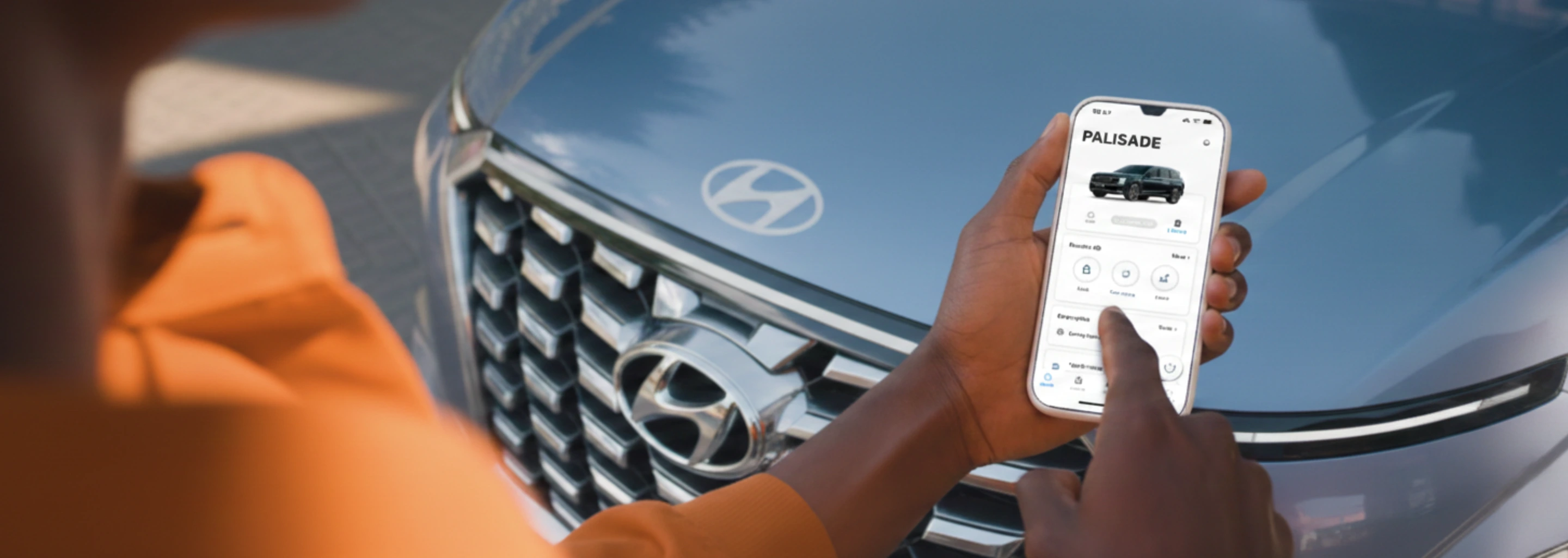
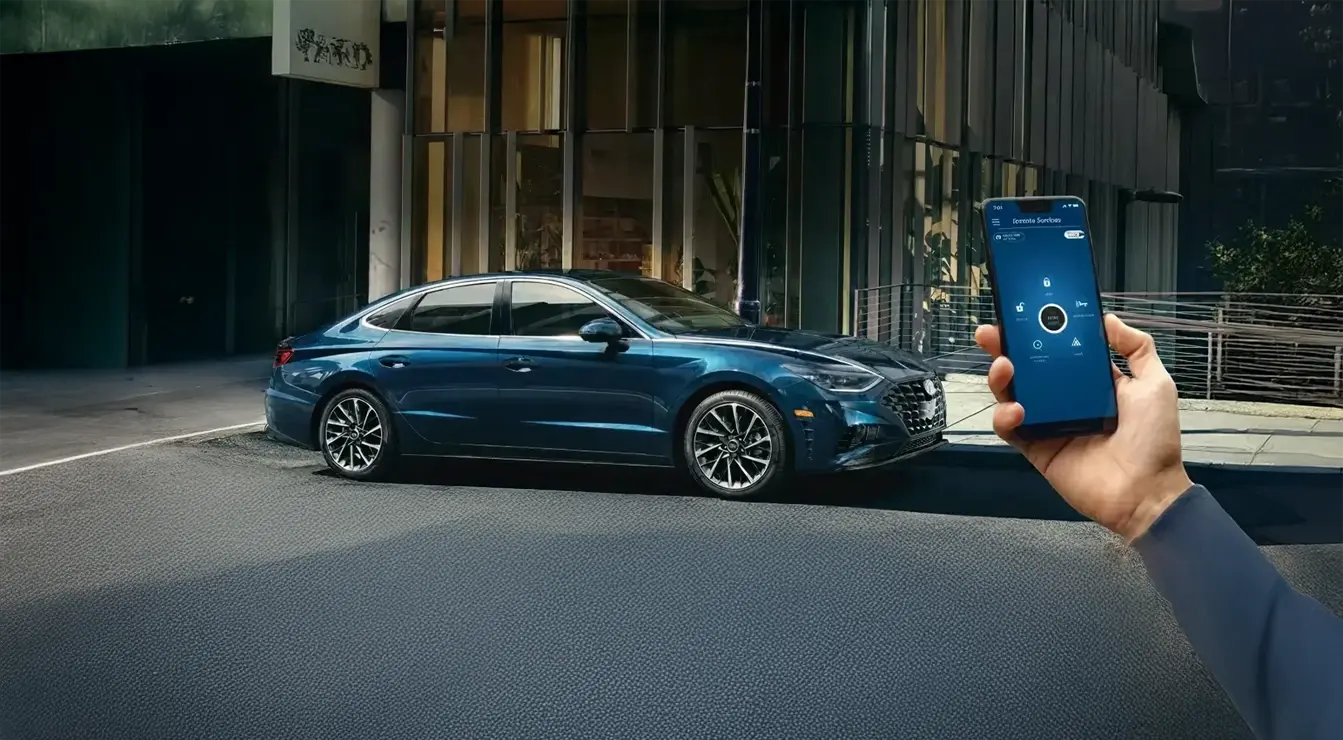
Bluelink is a connected car service designed to provide you with more convenience, comfort, and connectivity. You can enjoy remote features, vehicle information, a digital key, and even software upgrades. We are currently offering a free trial for 3 years of the service.
Bluelink is available for select vehicle models from 2026 onward, including the Palisade. To check if your vehicle is eligible, go to the Connected Services menu on your vehicle’s head unit. Please ensure the vehicle was purchased from an authorized distributor. For more information, have your Vehicle Identification Number (VIN) ready and contact the Bluelink Support Centre at +971 4 543 6888.
1-Go to Apple App Store or Google Play Store 2-Search for Hyundai Bluelink MEA, and install the app 3-Follow the instructions to create Bluelink account
A subscription-based pricing plan will be provided after the free trial period, you will also be notified as the free trial expires. Follow the payment process for service renewal, and pay the yearly fee. All you have to do now is to enjoy the free trial which lasts up to 3 years
1. Deactivate your Bluelink account and ensure it is fully deleted. You can do this directly through the Bluelink App. 2. Remove your linked digital keys before selling the car to ensure no keys remain active. You can delete your digital key from your digital wallet (e.g., Apple Wallet or Samsung Wallet). For more information, please contact the Bluelink Support Centre: +971 4 543 6888
Ensure that the 1st owner has deactivated his/her account, then follow the activation process. If the 1st owner account is still active, please contact Bluelink Support Centre: +971 4 543 6888.
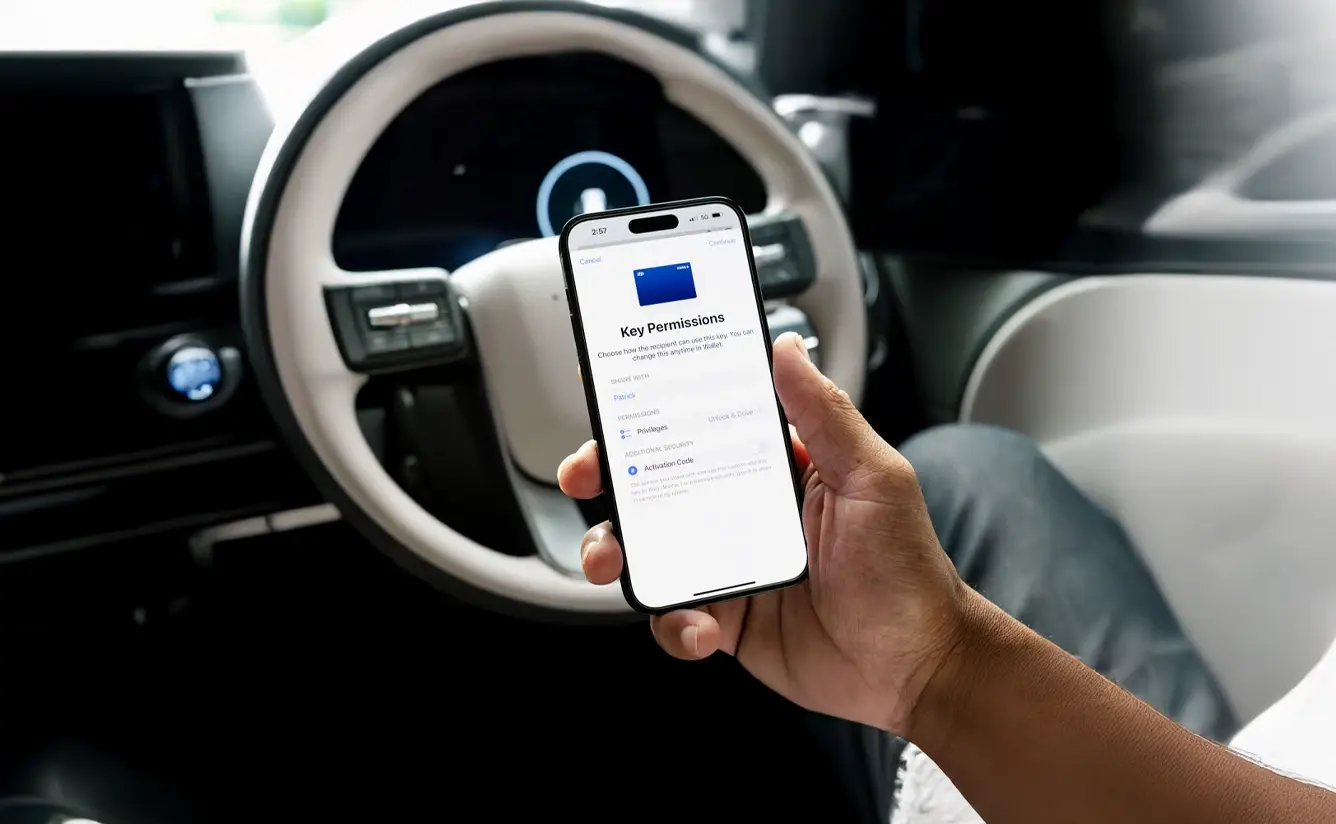
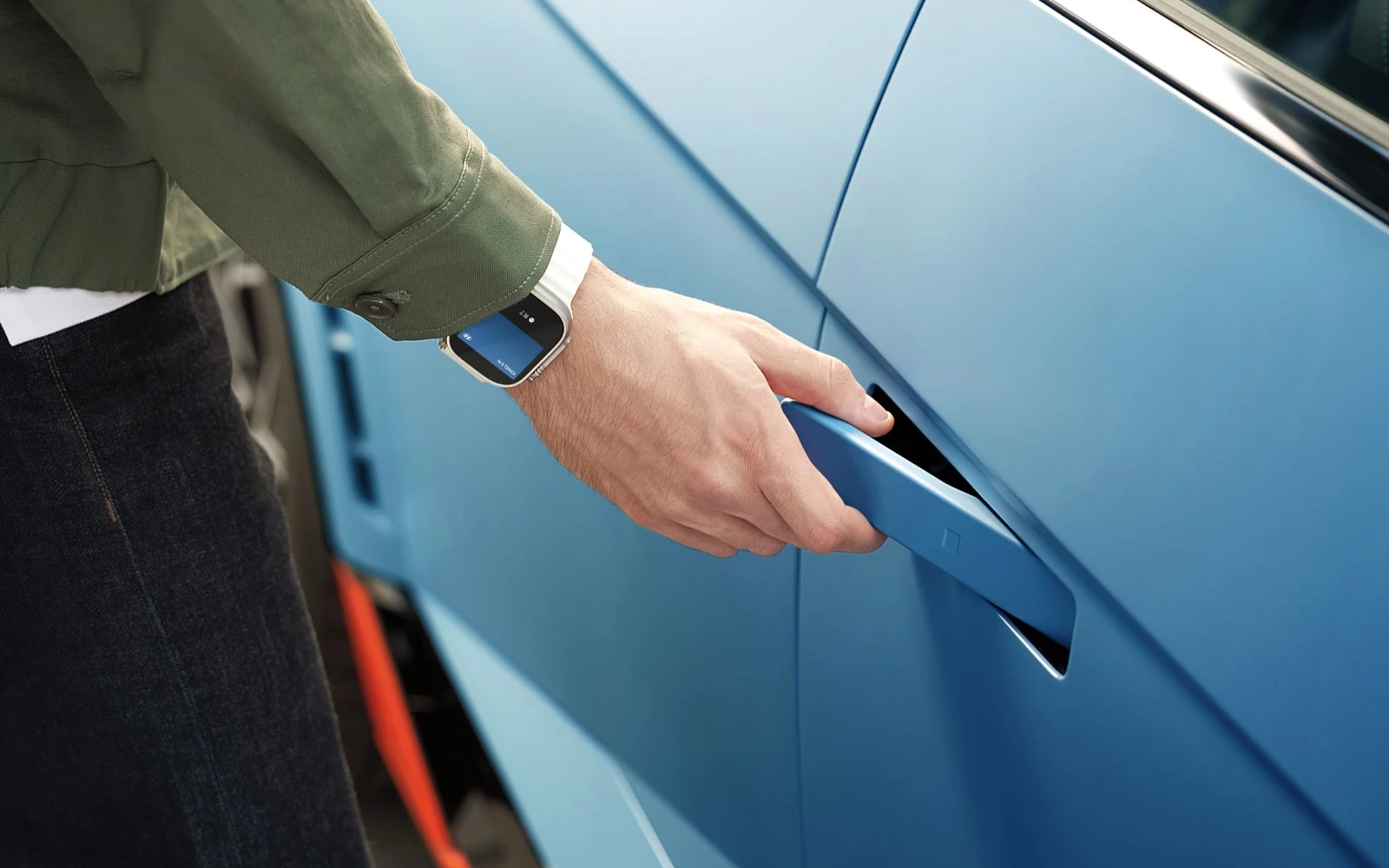
A digital car key lets you unlock, start, and control your Hyundai from a compatible smartphone instead of a traditional key. You can share the key with up to 15 people. Availability varies by model, specification, and country. Look for the Digital Key menu on your vehicle’s head-unit to check compatibility. For situations like valet parking or lending your vehicle to someone else, make sure to carry a physical key so you can hand it over when necessary.